Quickstart
This guide takes you from an empty workspace to your first live cost view.
Connecting a cloud account takes ~15 minutes. The first full day of cost and inventory data takes ~24 hours to finish ingesting.
Before you start
You'll need:
- An Orbit login (your SKYXOPS onboarding email contains your sign-in link).
- Admin access to at least one cloud account: an AWS management/payer account, an Azure subscription or tenant, or a GCP billing account.
- Permission to create an IAM role (AWS), an app registration / service principal (Azure), or a service account (GCP). Orbit's access is read-only for cost and inventory.
Step 1: Sign in
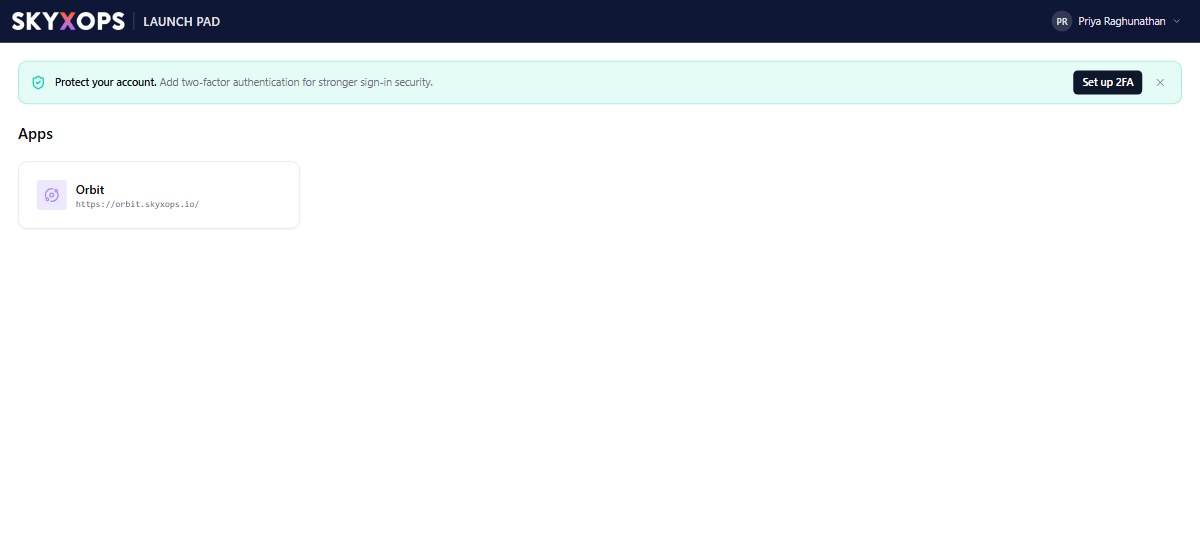
Open your Orbit URL and sign in. On first login you land on Dashboards. The wordmark in the top-left reads "SKYXOPS · Orbit". Your company name and user menu are in the top-right.
Step 2: Connect a cloud account
Go to Settings > Provider Accounts and choose Connect account. Pick your provider and follow the guided steps (see Connect Your Clouds):
| Provider | What you do |
|---|---|
| AWS | Deploy a CloudFormation stack that creates a cross-account IAM role. |
| Azure | Register an app / service principal and grant it Cost Management + Reader. |
| GCP | Create a service account and share your billing export. |
You can connect more accounts at any time. An AWS organization connected at the management account automatically discovers its member accounts.
Step 3: Wait for the first ingest
Once an account is connected, Orbit begins pulling cost and resource data. Costs appear within about 24 hours, and resource inventory populates on the same cycle. The Provider Accounts page shows each account's sync status.
Step 4: See your spend
While data lands, explore the workspace:
- Open Insights > Explore, pick a measure like Total cost (effective), and break down by Service. A chart and table render as you build.
- Open the FinOps > Cost Overview board for headline KPIs, spend by provider, and the monthly trend.
- Check Sensors > Recommendations for the first savings opportunities your detectors have found.
What's next
- Make every dollar attributable with Virtual Tags.
- Set your first Budget.
- Learn how Orbit counts a dollar in How Orbit calculates cost.